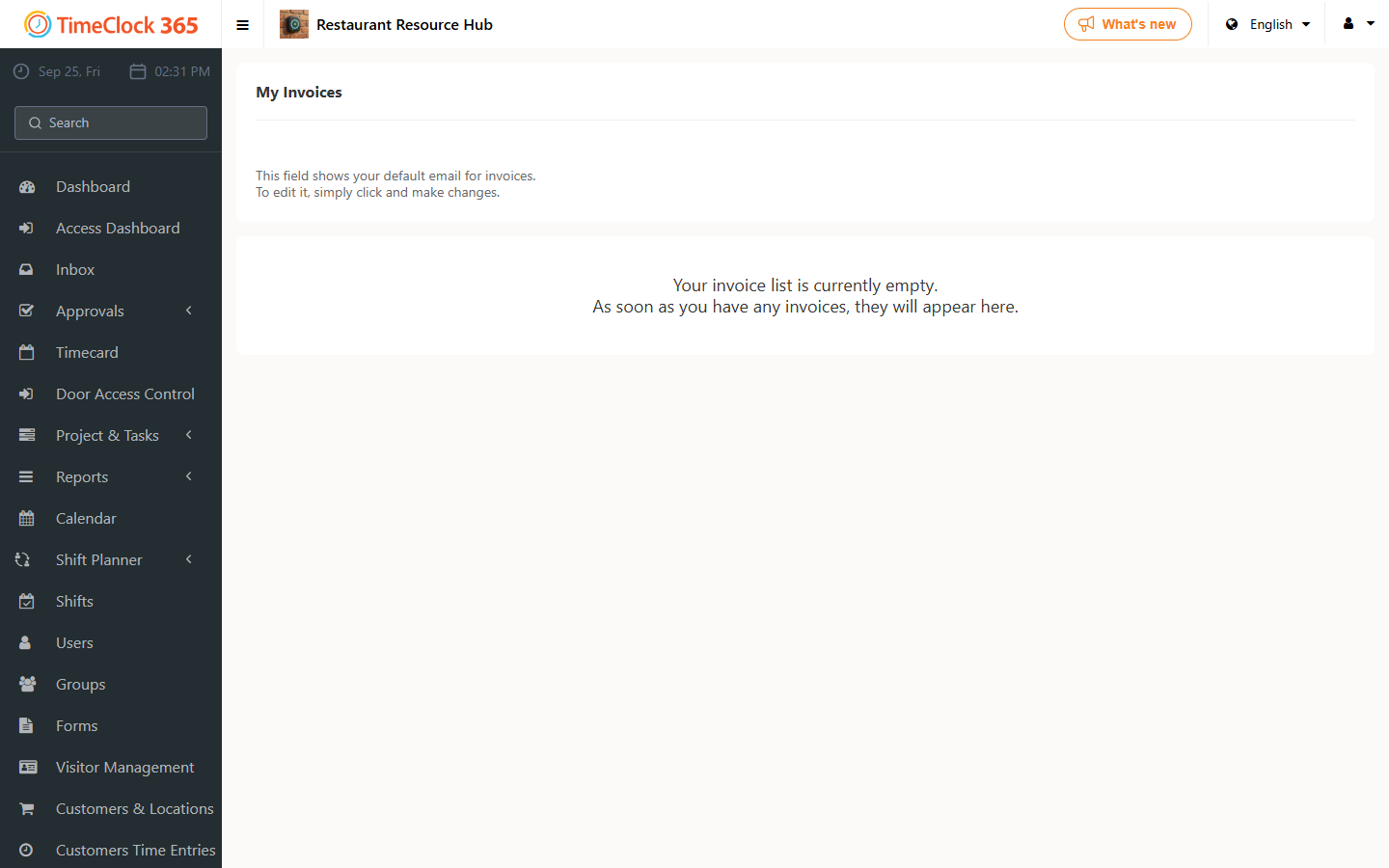
This guide explains how to view your invoices in TimeClock 365.
- Go to Licenses & Billing, then click Invoices.
- Confirm the email address listed is the one you want invoices sent to (you can click the email to edit it).
- Click "Send invoice by email" next to the invoice you want.