This guide explains how to view attendance reports that employees have not yet approved.
Option 1
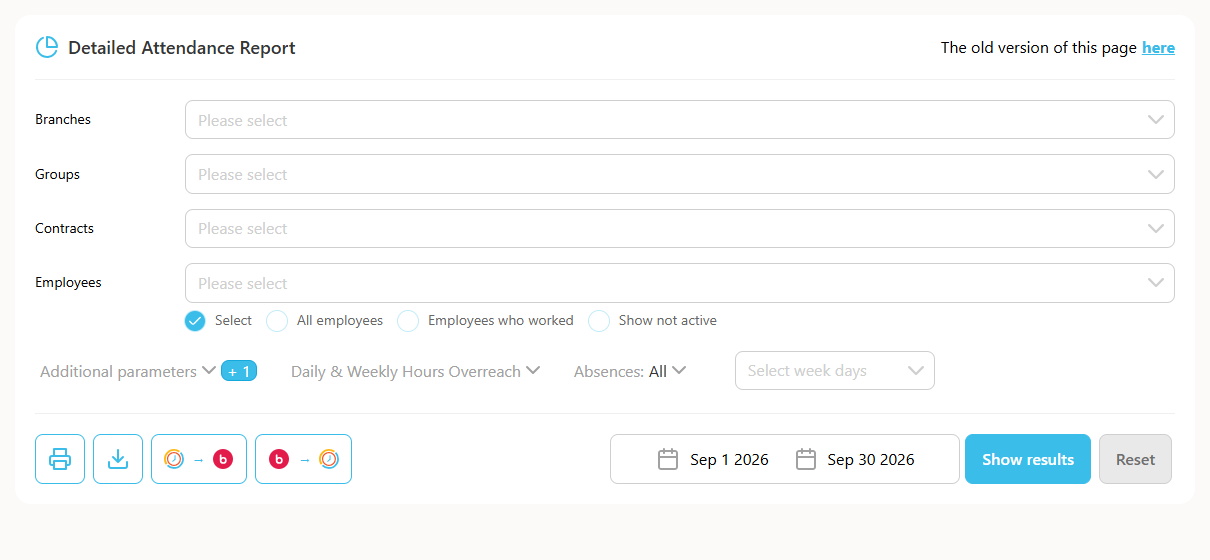
- Go to Reports -> Detailed Attendance.
- In the filters menu, click "Show reports not approved by employee".
- Select the period.
- Click "Show reports".
Option 2
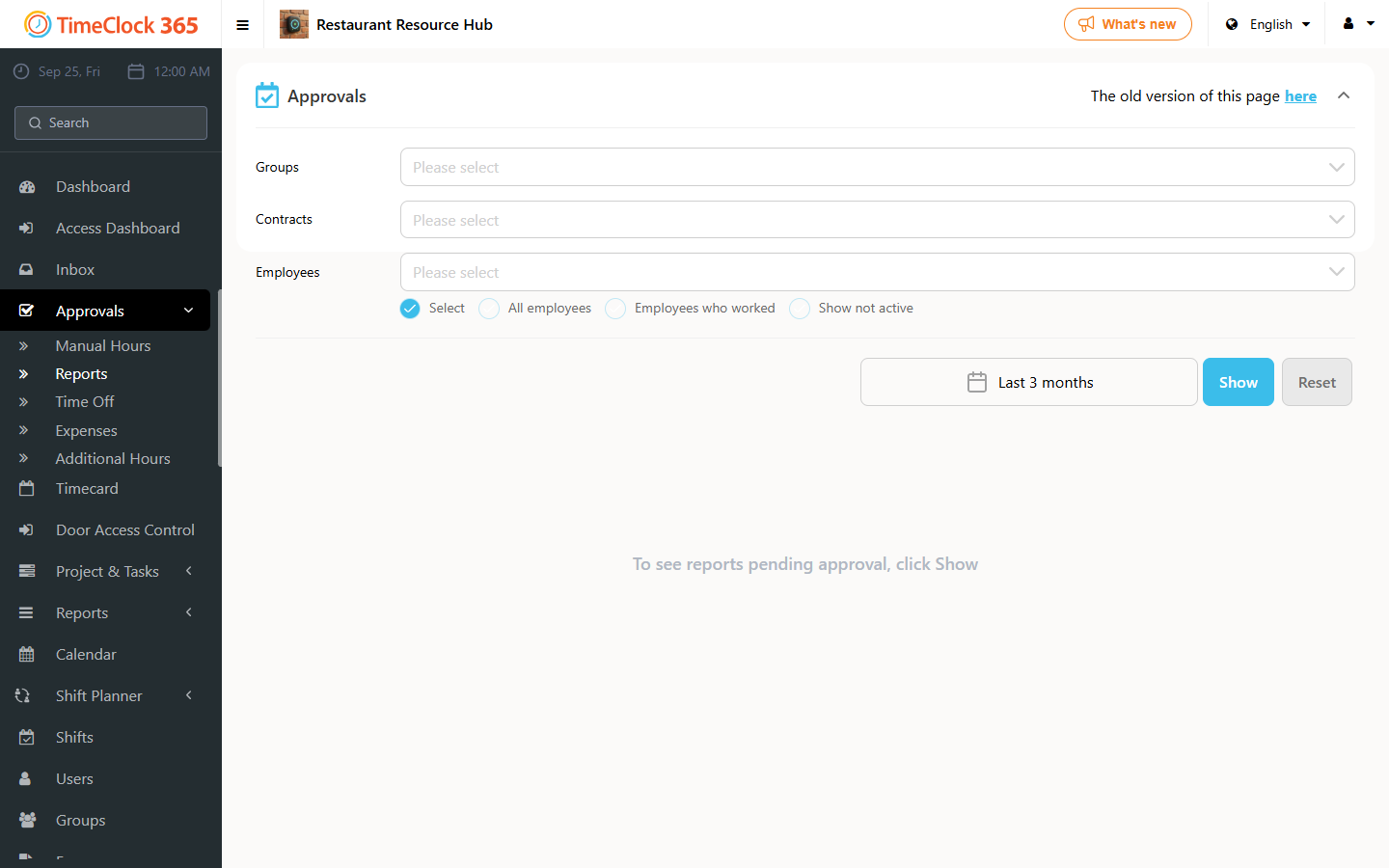
- Go to Approvals -> Reports.
- Select an employee.
- Click Show.
- Click "Reports not approved by employees".