
This guide explains how to create a weekly alert to managers about their employees' missing attendance entries.
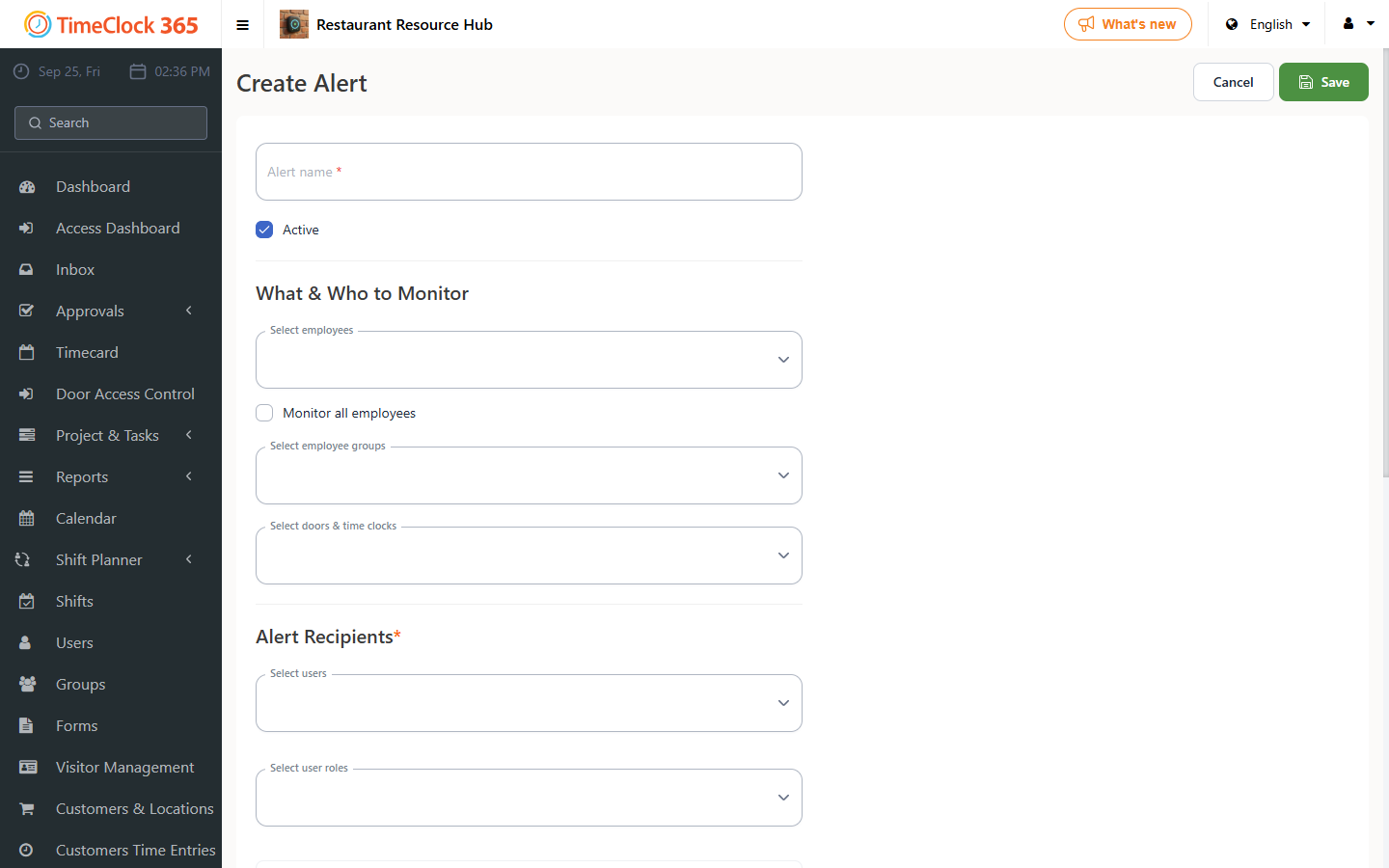
- Click "Alerts" -> "Create new alert".
- Type an alert name.
- Select the employees you want the alert to cover (you can choose "Get alerts for all users").
- Select who will receive the alert.
- Open the "Weekly Summary" tab.
- Choose the alert type you want to receive, plus the day and time.
- Click Save.
For a general guide to alerts, see the related guide.